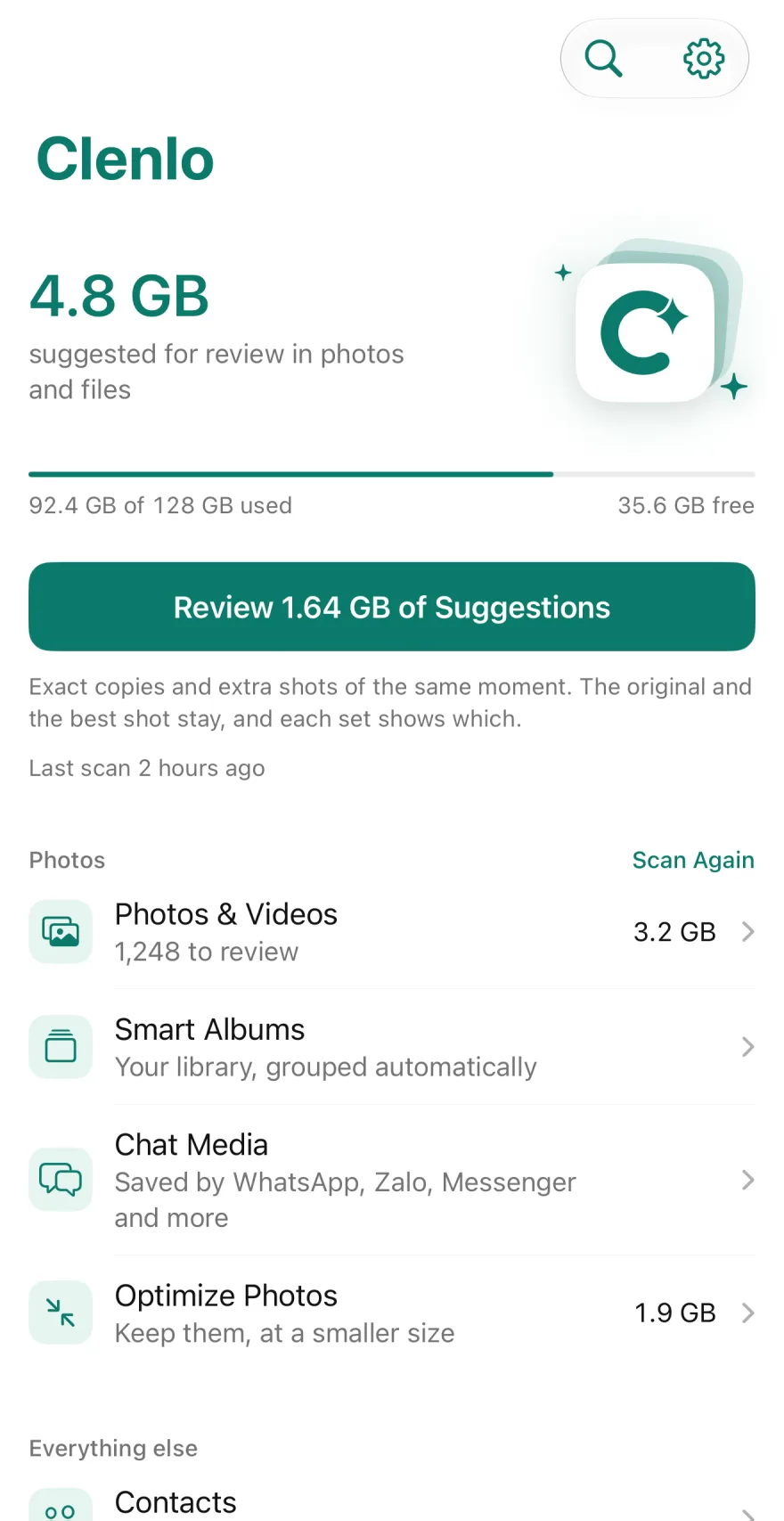
Clenlo
Delete only what you’ve seen.
Clenlo finds duplicates, blurry shots and big videos, and shows you first.
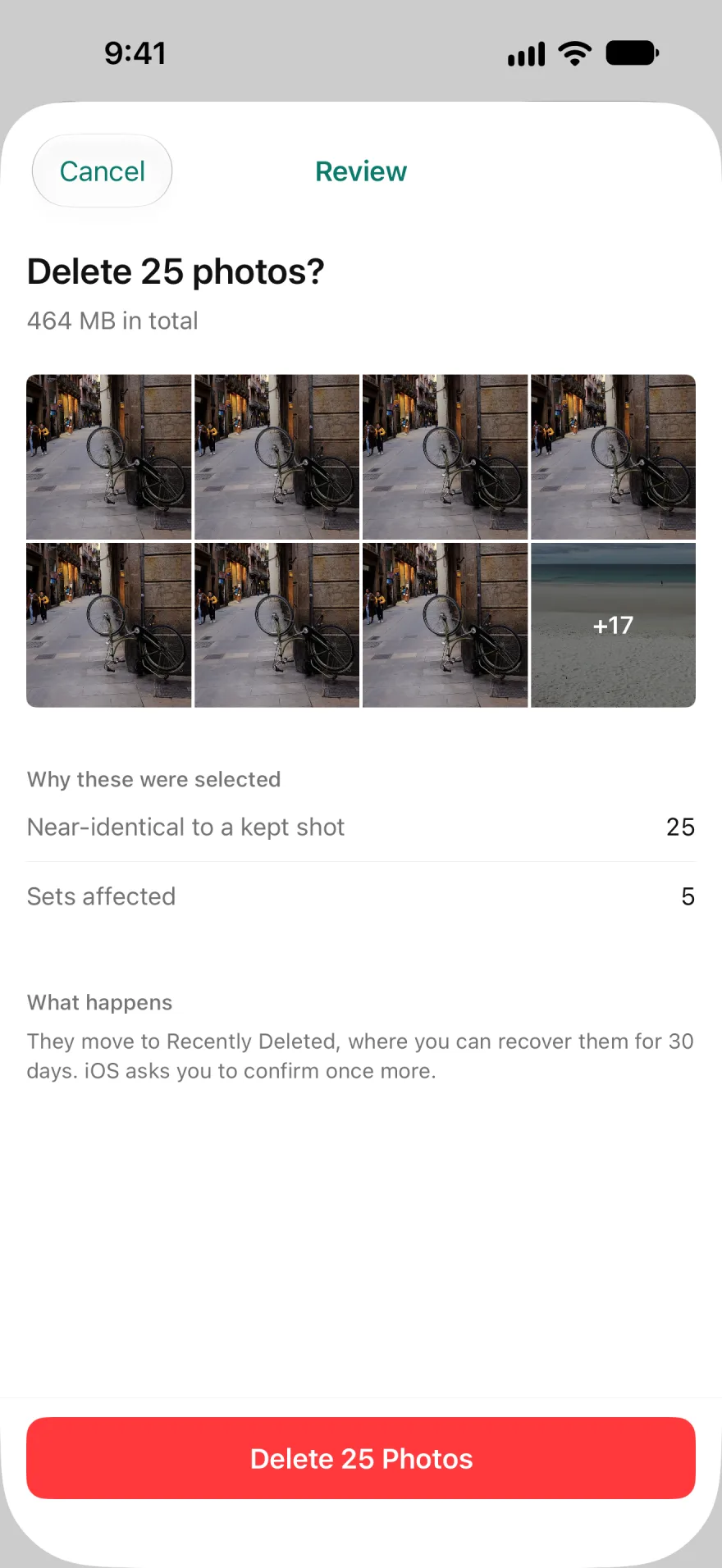

Careful with your library.
Nothing goes unseen
Every delete shows what goes and why. The best shot stays.
Stays on your iPhone
Analysed on the device. No upload, no account, no ads, no tracking.
Shrink, don’t delete
Verified optimizing keeps every photo, smaller and checked.
Results before paying
Scanning and review are free and unlimited, with 30 deletions a day.
Clenlo sorts. You decide.
-
Every delete is shown first
The review lists what goes and why. Photos wait in Recently Deleted for 30 days.
-
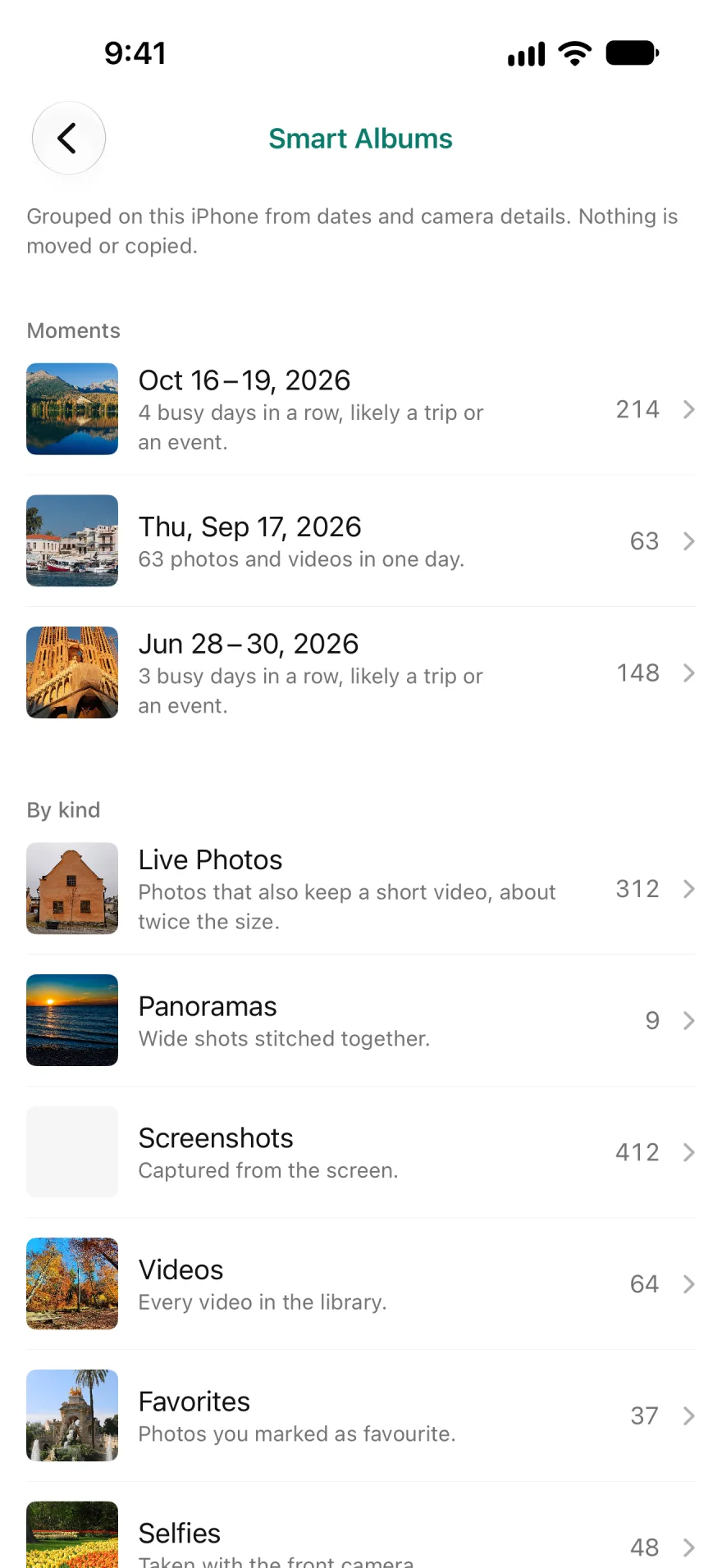
Albums that sort themselves
Trips, busy days, Live Photos and screenshots, grouped on your iPhone. Nothing is moved.
-
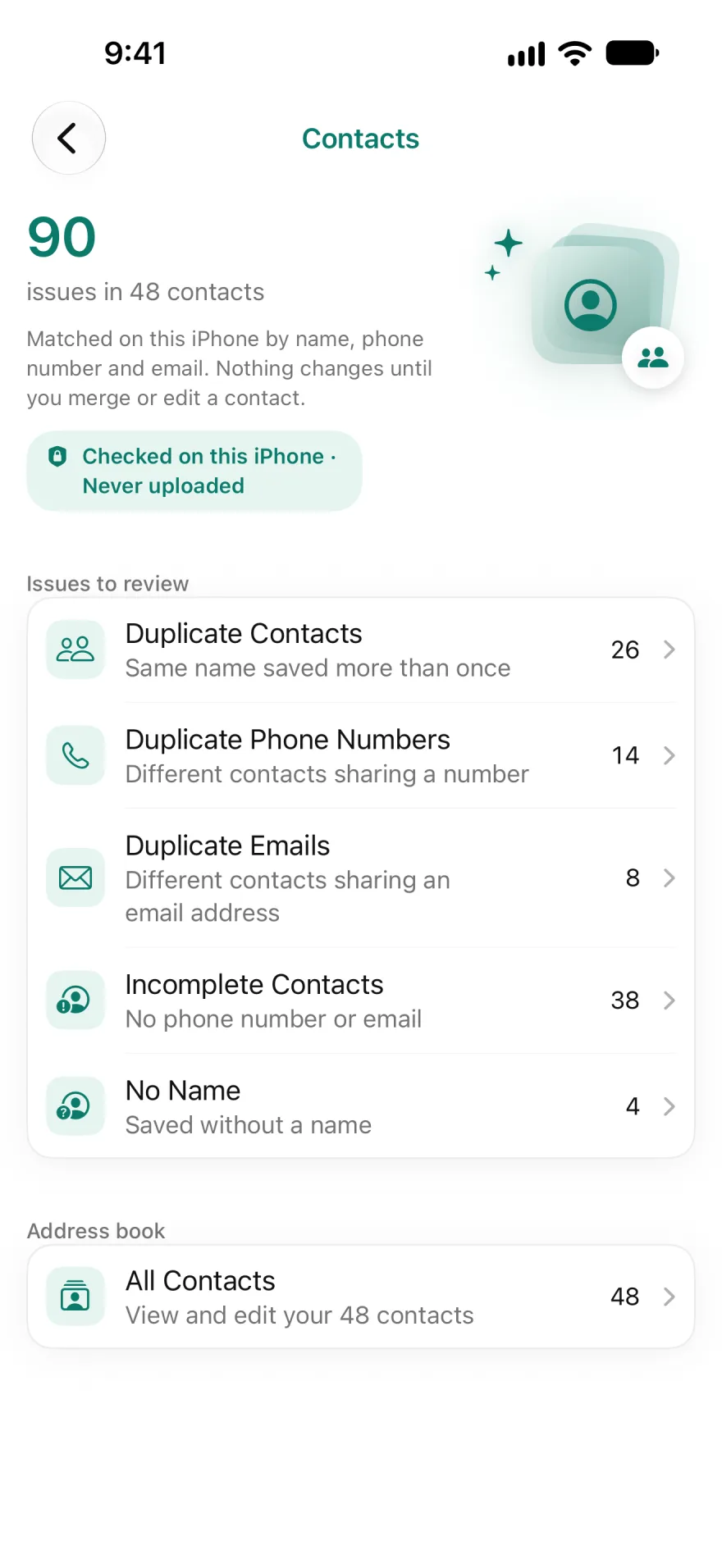
Contacts, calendars, reminders
Duplicates are merged and old events cleared only after you confirm.
Everything Clenlo cleans.
Photos and videos
- Similar photos
- Exact duplicates
- Blurry photos
- Screenshots
- Screen recordings
- Large videos
- Large photos
- Old photos
- WhatsApp and Zalo media
- Live Photos to stills
- Compress videos
- Optimize photos
- Smart albums
- Search by description
Contacts
- Duplicate contacts
- Repeated numbers
- Repeated emails
- Incomplete contacts
- Nameless contacts
Calendar and reminders
- Old events
- Done reminders
- Clear by date
Files
- Large files
- Recordings
- Video files
On your Home Screen
- Storage widget
- Review widget
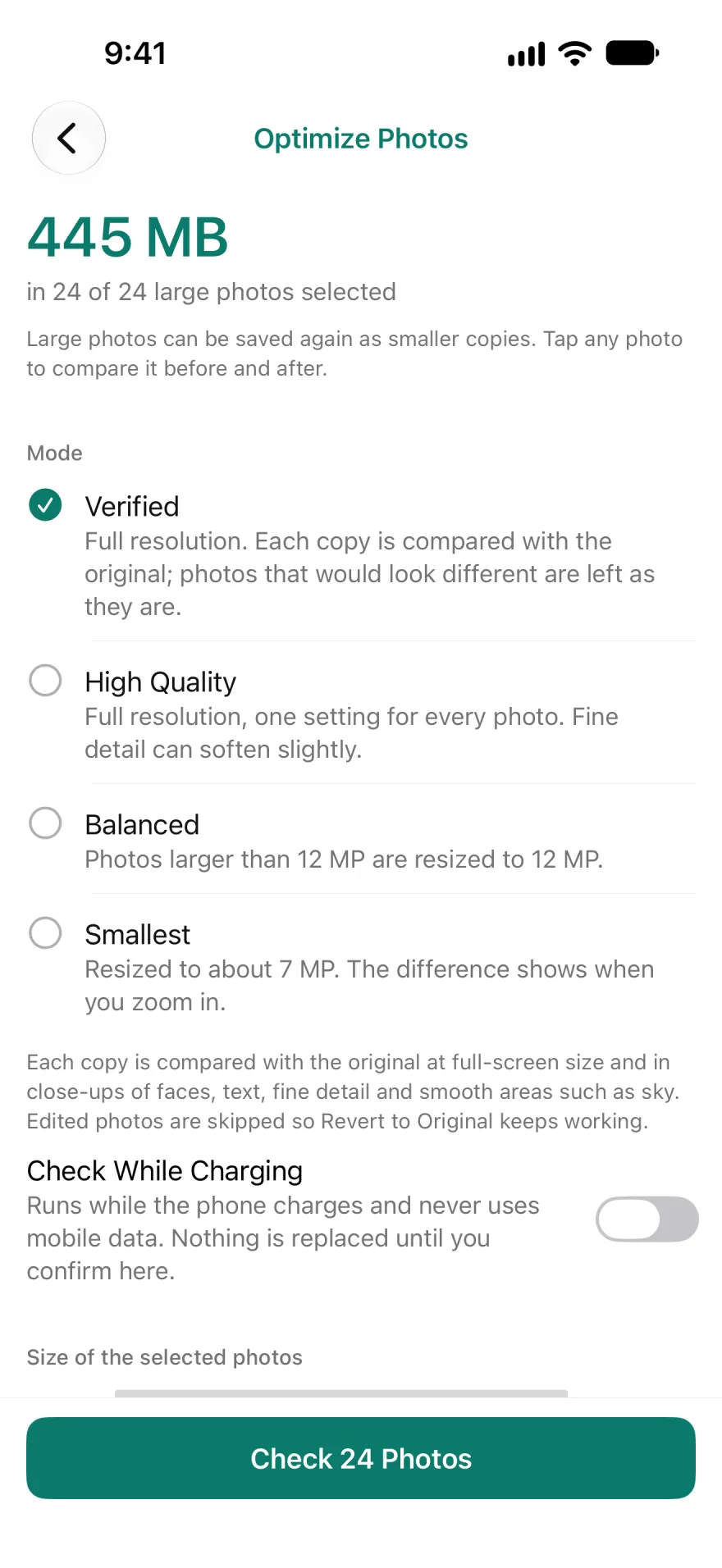
Keep every photo, smaller.
- Verified modeEach copy is checked against its original before it replaces anything.
- Originals kept 30 daysIn Recently Deleted, in case you change your mind.
What happens when you delete.
Some things come back. Clenlo says which.
| Item | Where it goes | Undo |
|---|---|---|
| Photos and videos | Recently Deleted, after iOS asks once more | 30 days |
| Optimized photos | The original goes to Recently Deleted | 30 days |
| Contacts | Merged into one, after a preview | Check the preview |
| Events and reminders | Removed on every synced device | Permanent |
| Files | Removed from the folder you picked | Permanent |
Free to start. No account.
- iPhone and iPad
- iOS 15.6 or later.
- Free
- Scan and review everything, and remove up to 30 items a day.
- Clenlo Pro
- No daily limit, plus Verified and background optimizing. Yearly, monthly or Lifetime.
Start with the safe set.
Exact copies and extra shots of the same moment, ready for your review.